Your tree only grows while you stay on what you chose.
Choose apps and time
Choose which apps you will work in and for how long, from 1 to 180 minutes. Everything else stays out.
Stay on what you chose
While the right app is in front, time runs and the tree grows. The session does not pause: it runs until the end you set.
 left? it wilts
The tree goes to your island
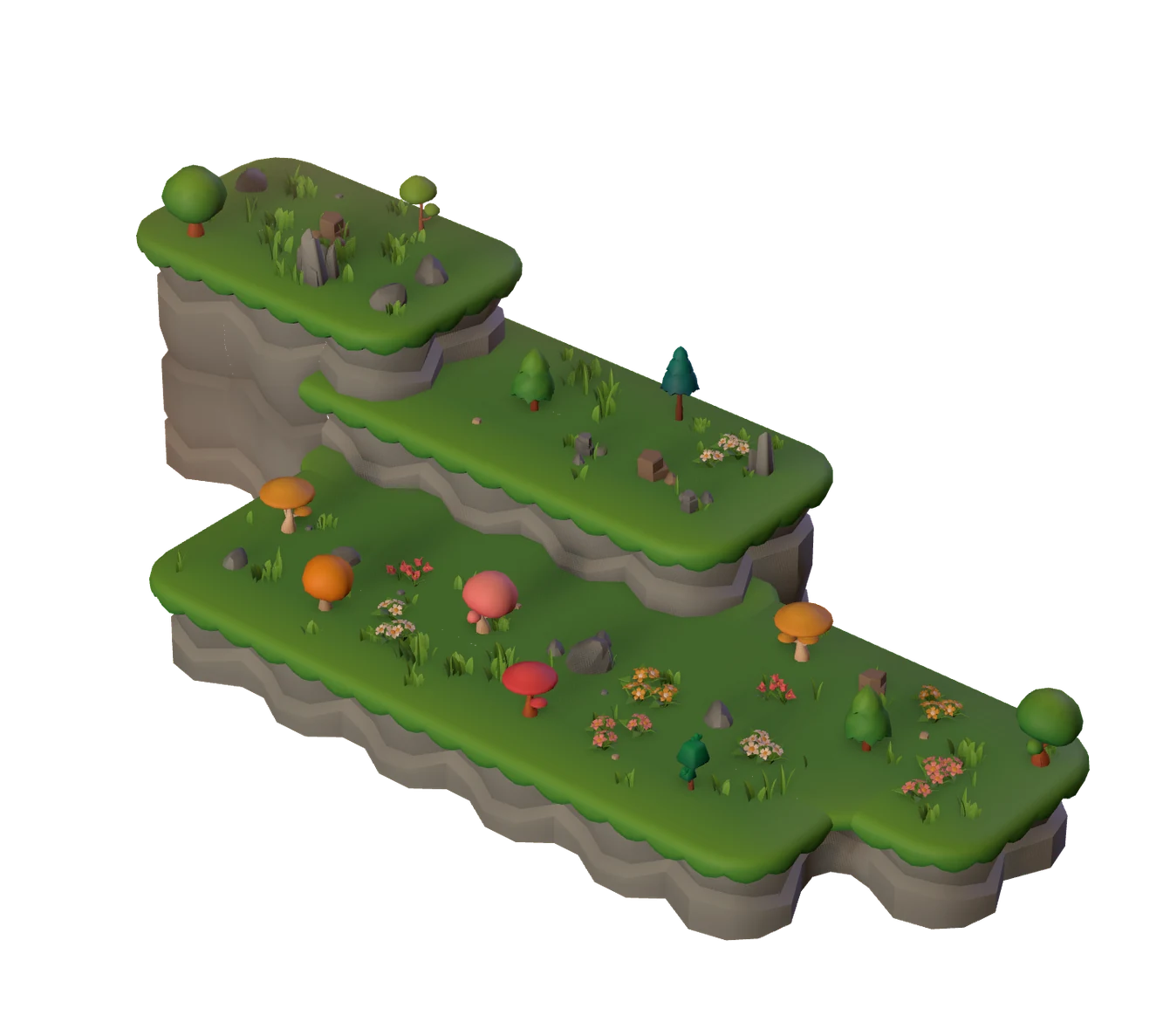
When you finish, it is planted and you earn coins. Left early? You have a few seconds to come back. If you do not, it wilts and stays there as a reminder.
Focus, collect coins, unlock new trees.
You start with Oak and Pine. Each completed session earns coins, and each new tree takes a few sessions and a handful of coins.
- Seed
- Sprout
- Young
- Mature
- Blooming
The five stages of an Oak in a 25-minute session.





 Oakincluded from the start
 Pineincluded from the start
 Lombardy poplar180 coins · 3 sessions
 Blue spruce300 coins · 5 sessions
 Golden trumpet tree450 coins · 8 sessions
 Autumn maple600 coins · 10 sessions
 Cherry tree800 coins · 14 sessions
 Royal poinciana1,050 coins · 18 sessions
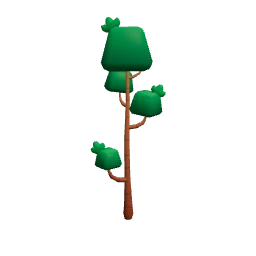 Emerald cypress1,300 coins · 22 sessions
 Cube tree1,600 coins · 28 sessions

A wilted tree does not earn coins, but it stays on the island, faded, as a reminder. And no tree can be bought: every one is earned by focusing.
A workflow for every kind of day.
Blocking distractions is only the start. In Solofoco you build your own way to focus: steps, each in the right app, with breaks in between. No other focus app does this.
- In orderSteps run in order, each in its app. Finish one and the next begins.
- FreeYou pick a list of apps and a total time, and switch between them whenever you want. The island still grows the same way.
A break is a step between one session and the next. Each session itself runs straight through without stopping.

Study · 4 steps
Step 1 of 4At the scheduled time, Solofoco calls you.
A routine is a fixed time tied to a workflow. When it is time, a notification appears and one click starts the workflow. Just need a nudge? Use a simple time-to-focus reminder.
Alerts come from the desktop app and show up even with Do Not Disturb on. Solofoco starts with Windows, and you can turn that off in Settings.
Your week
 Solofoco14:00Solofoco19:00
Take notes without leaving focus.
Remember something mid-session? Open the note from the floating card button or the tray menu, write, and return. The session does not pause and the tree keeps growing.
- Just text, no distractionsOne note per session, up to 5,000 characters. In a workflow, one note for the whole workflow, up to 10,000.
- A gentle reminderIf the note stays open for about 2 minutes, Solofoco asks if you want to get back to focus. No penalty: the timer keeps running.
- Works offlineThe note is saved on your computer while you write.

You have been writing for 2 min. Your note is saved as it is.
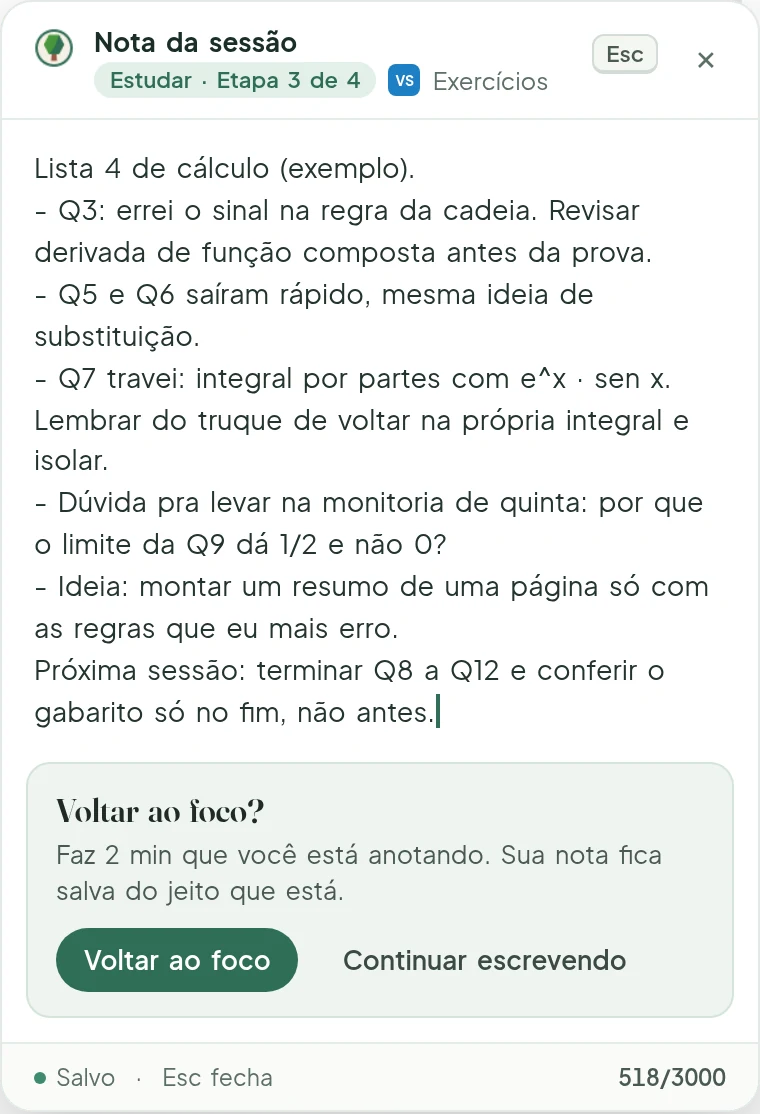
Back to focus?
A gentle prompt after 2 minutes of writing. If you prefer to keep going, that is up to you.
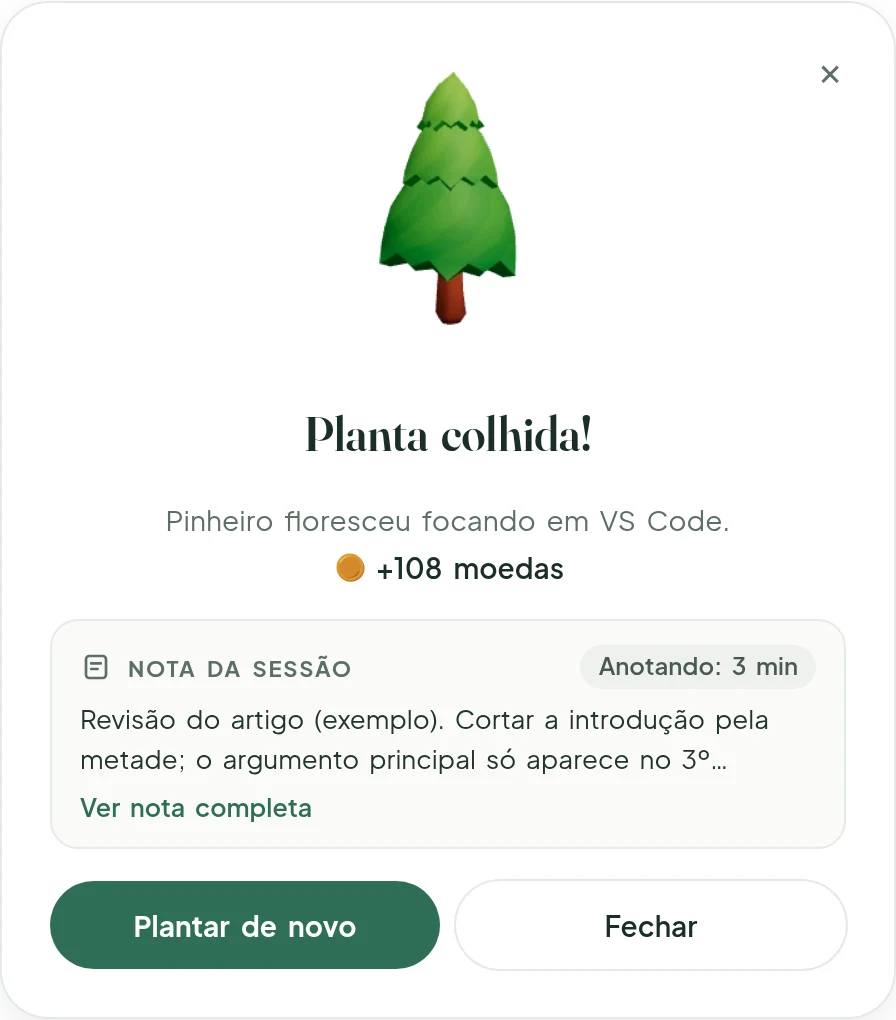
At the end summary
You see the start of the note and how long you spent writing. One click opens the full note.
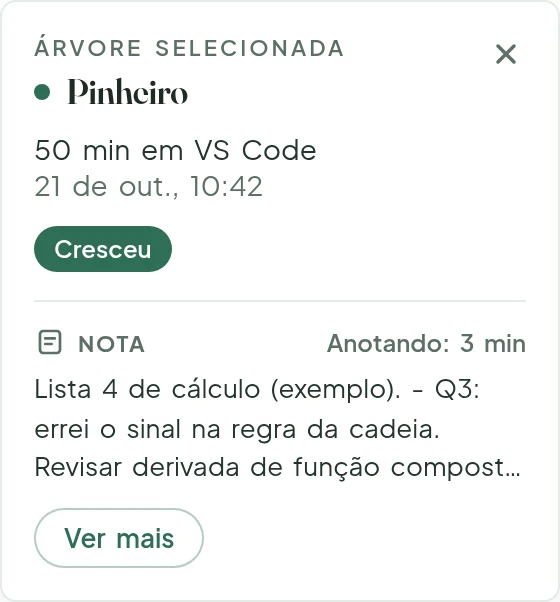
With the tree
Click a tree on the island and see what you wrote during that focus session.
Viewing, editing, and exporting notes is included in the app. If you edit after the session ends, the note gets a subtle date label.
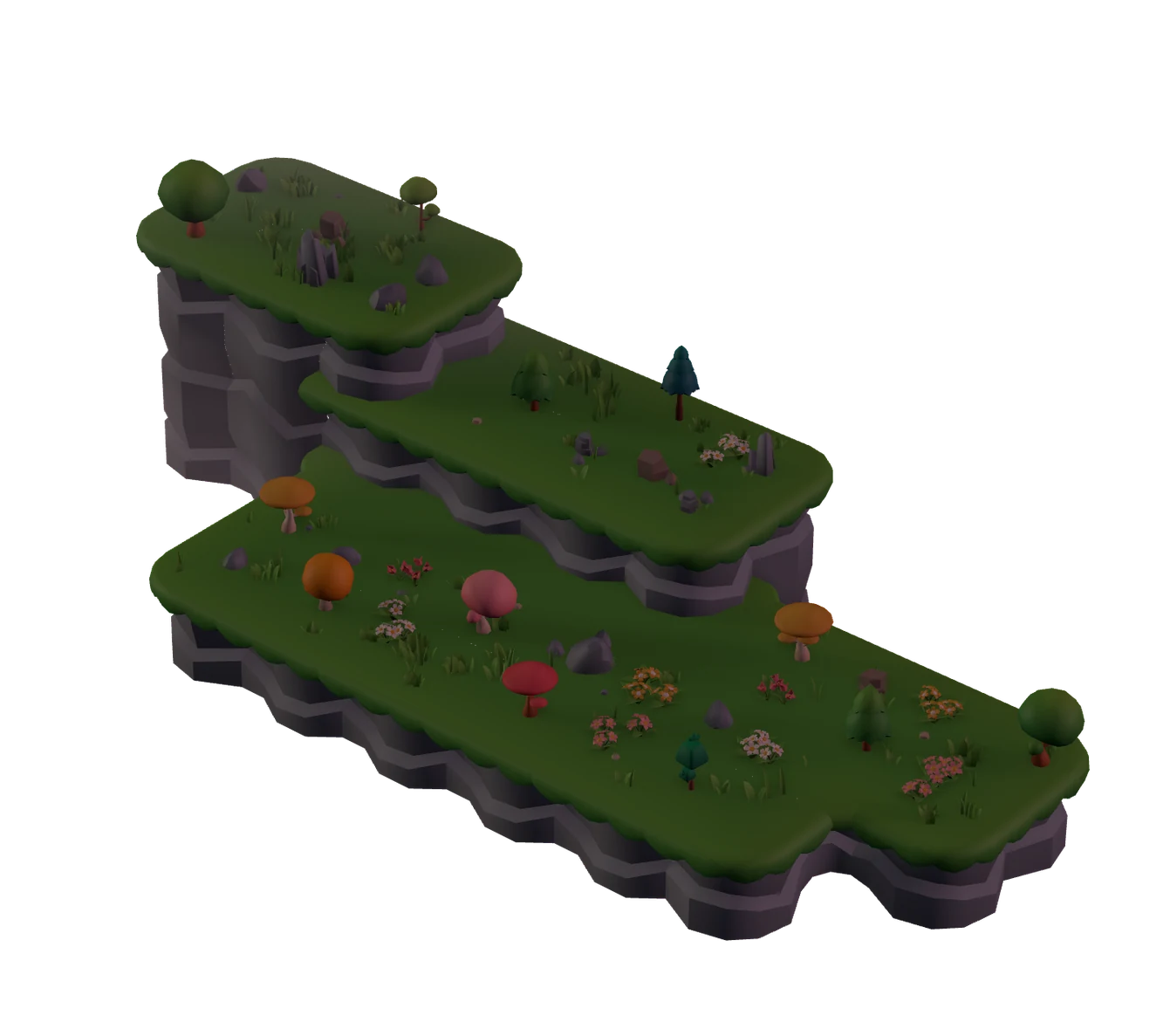
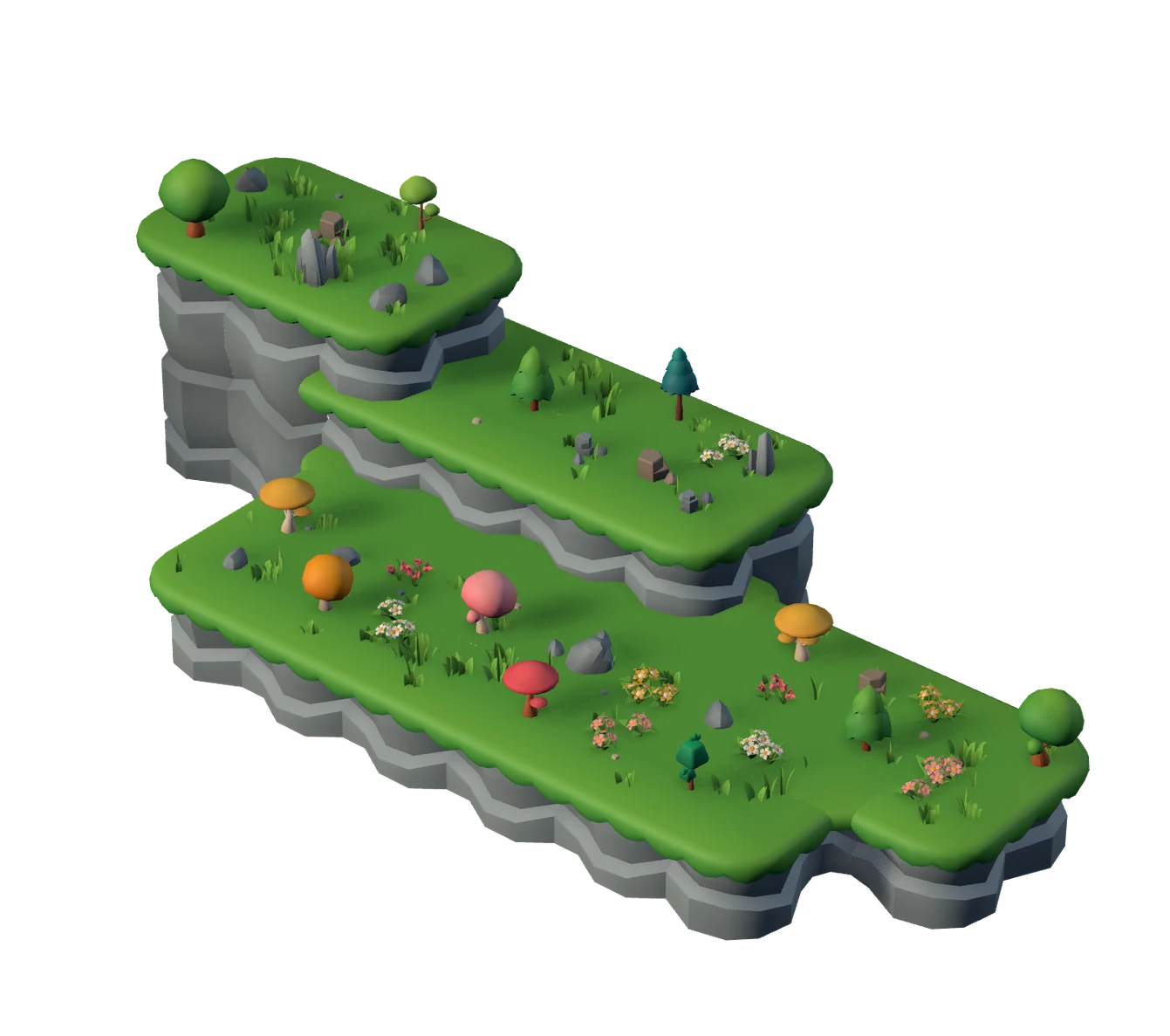
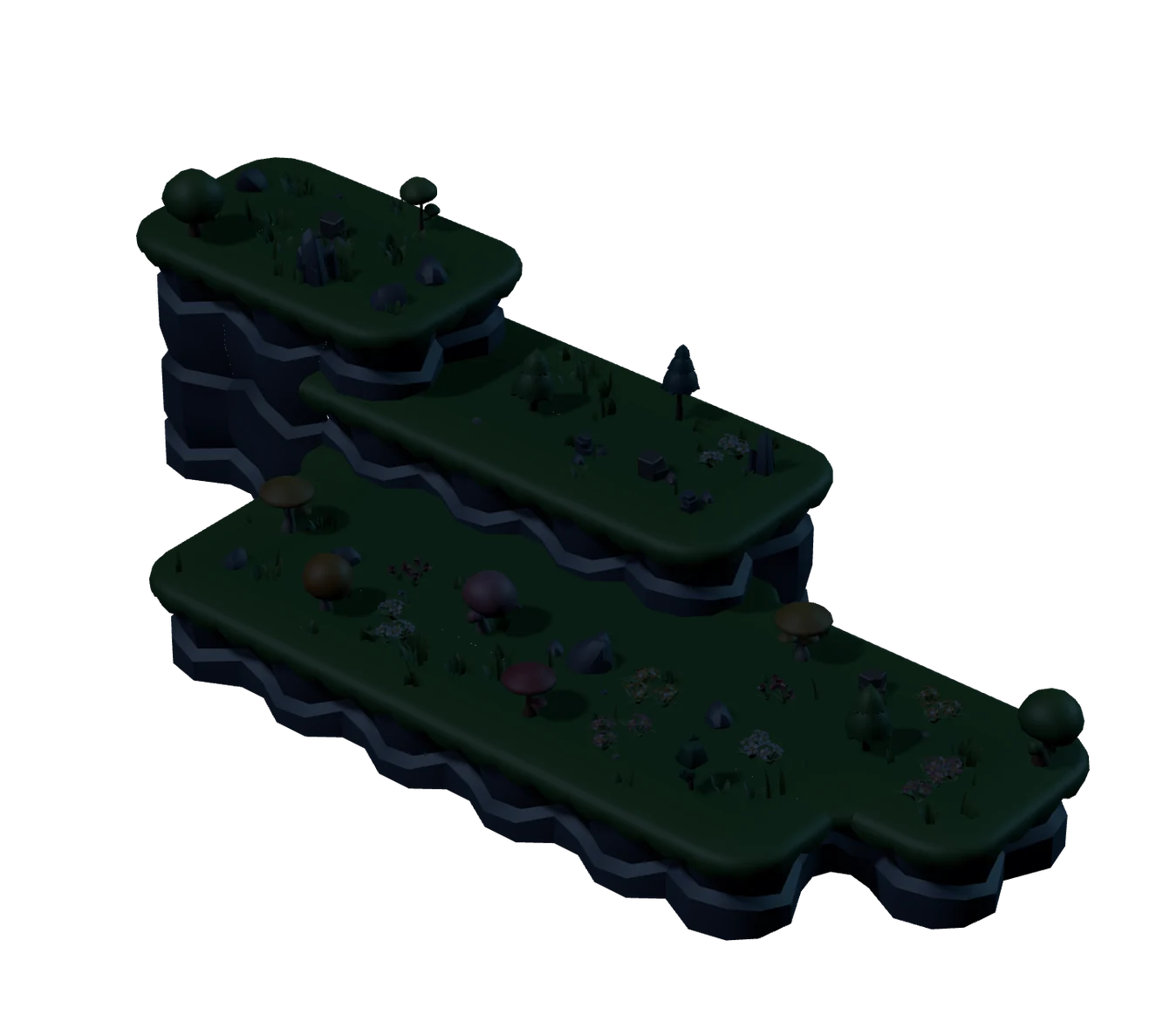
The island lives with you.
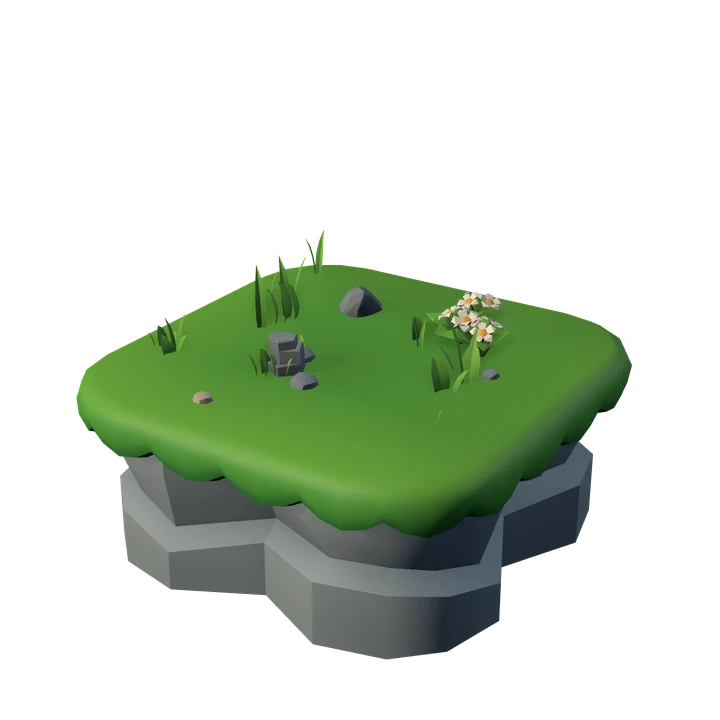
Each completed session becomes a tree, and the island gains space and new tiers as you focus. Drag the slider and see how it changes through the day.
- You pick the treeYou choose the species for each session. Solofoco only decides where it goes.
- Follows your clockPink dawn, peach-colored dusk, moonlit night. Nothing to configure.
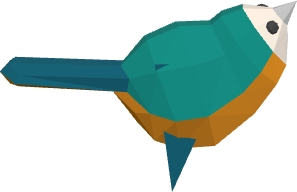
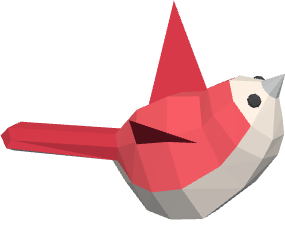
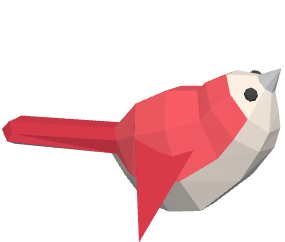
- Day and night visitorsBirds perch in the trees by day and fireflies glow at night.
- An island for each monthSee this month’s island and revisit past months. In stats, open a snapshot of the island for a day, a week, or a month.
See where your focus went.
Pick a category and its trees stand out on the island. A month of work, at a glance.

Built for people who focus on the computer.
Windows 10 and 11
On the Microsoft Store and Steam. Works offline and needs no account. Your island stays on your computer.
View on the Microsoft StoreView on SteamMac
On the Mac App Store. Tick Mac on the waitlist and we will let you know when it opens.
View on the Mac App StoreExtension for Chrome and Edge
Counts the websites you choose as focus. Works together with the Windows app.
View on the Chrome Web Storesolofoco_lang); there is no tracking or analytics. Read the privacy policy.Do I need internet?
No. Solofoco works offline and does not need an account.
What happens if I leave mid-session?
You have a few seconds to come back, so a quick Alt+Tab does not ruin anything. If you do not come back, the tree wilts and stays on the island as a reminder.
Can I pause a session?
No. The session runs until the end you chose. In a workflow, breaks are steps between one session and the next.
What if the computer crashes or shuts down?
You do not lose the tree. When you open it again, Solofoco shows the interrupted session and you can resume it the same day with the time that was left.
Does it work on Mac?
Coming soon, through the Mac App Store. Tick Mac on the waitlist and we will let you know when it opens.
Does it work in the browser?
With an extension for Chrome and Edge that counts the websites you choose as focus. It works together with the Windows app, not on its own.
Is everything included in the purchase?
Yes. You pay once, on the Microsoft Store or Steam, and get the whole app, with notes and every tree. There is no subscription and no in-app purchases. You earn the trees by focusing, with the coins from your sessions. That is what makes the island yours.
When does it launch?
Soon, no date yet. Join the waitlist, tick the stores you want and we will email you when each one opens. That is all.
Ready to plant?
Solofoco is not out yet. Leave your email and we will let you know when it launches.